Firstly, launch the Live Tiles software.
Then click on the small arrow on the Open Existing button. A drop down menu should appear.
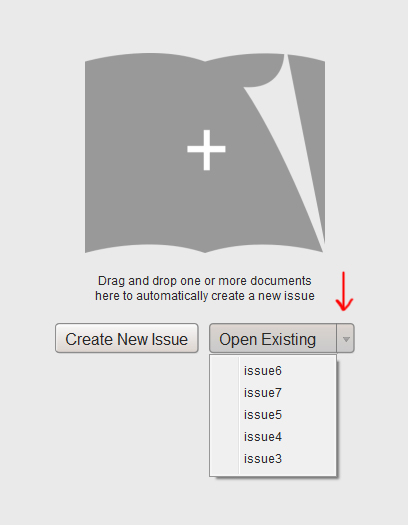
If you see your flipbook within that drop down, please click it.
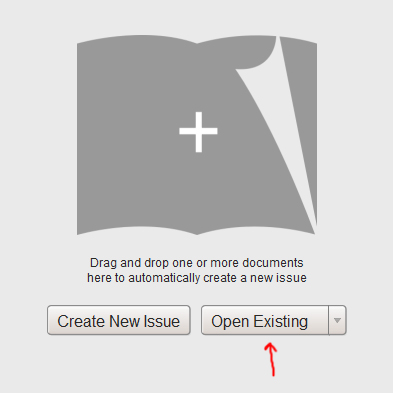
If you do not see your flipbook within the drop down, please click the Open Existing button. (below)
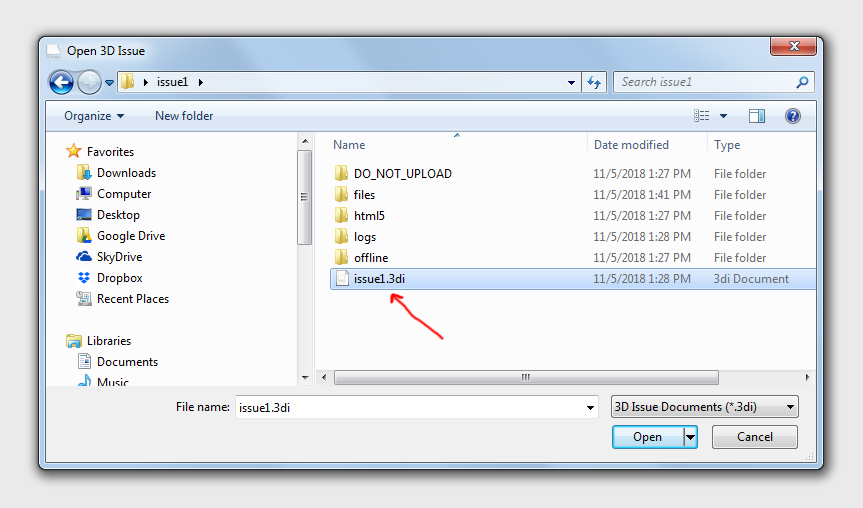
A popup will appear asking you to locate your project folder. Please locate the project folder and choose the ‘.3di’ file. Then click Open. (below)