This message can be received if you have not allowed the conversion server to startup before attempting to create a Flipbook.
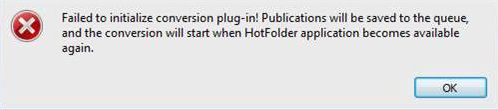
To prevent this message from happening, ensure that the conversion server has started before creating a Flipbook.
- Save your work and close the Flipbooks software.
- Launch Live Tiles Flipbooks again. If prompted to “Allow” the HotFolder app to run please allow it.
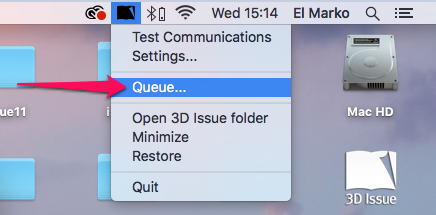
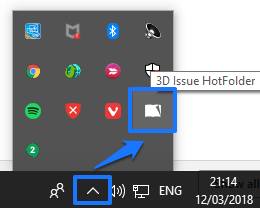
- You can check that the conversion server has started once you see the Live Tiles logo appear in your system tray. Please see the below screenshots.